Catch8
Quotations and invoices that look like your business.
Build a quotation from your price list, turn it into an invoice when the client says yes, and download a PDF in your own design. On every plan, the free plan included.
Complete your company details to unlock Pro free for one month (up to 600 records).
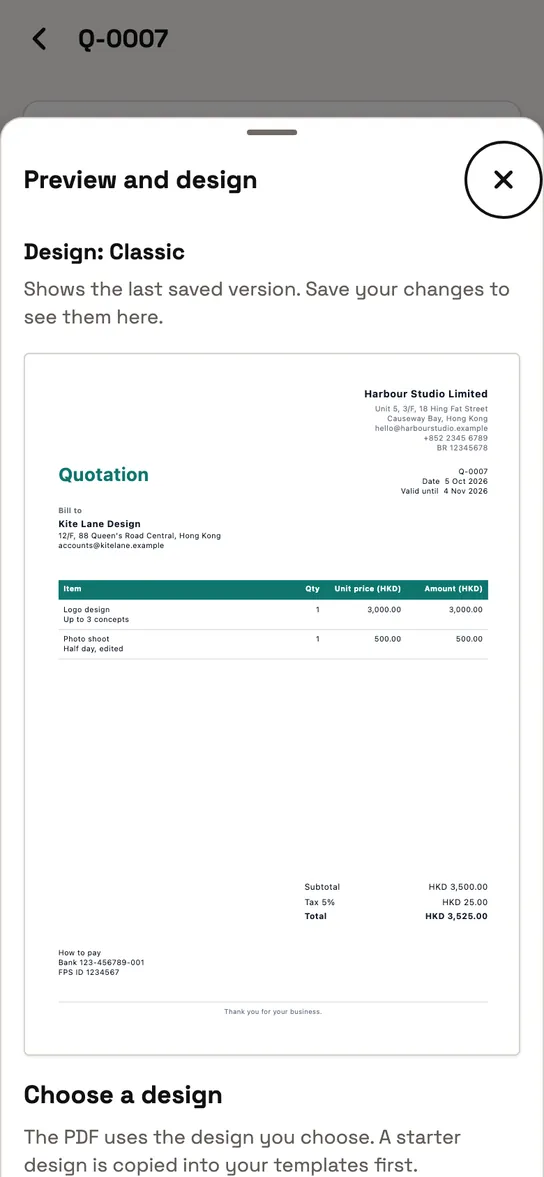
A PDF ready to download.
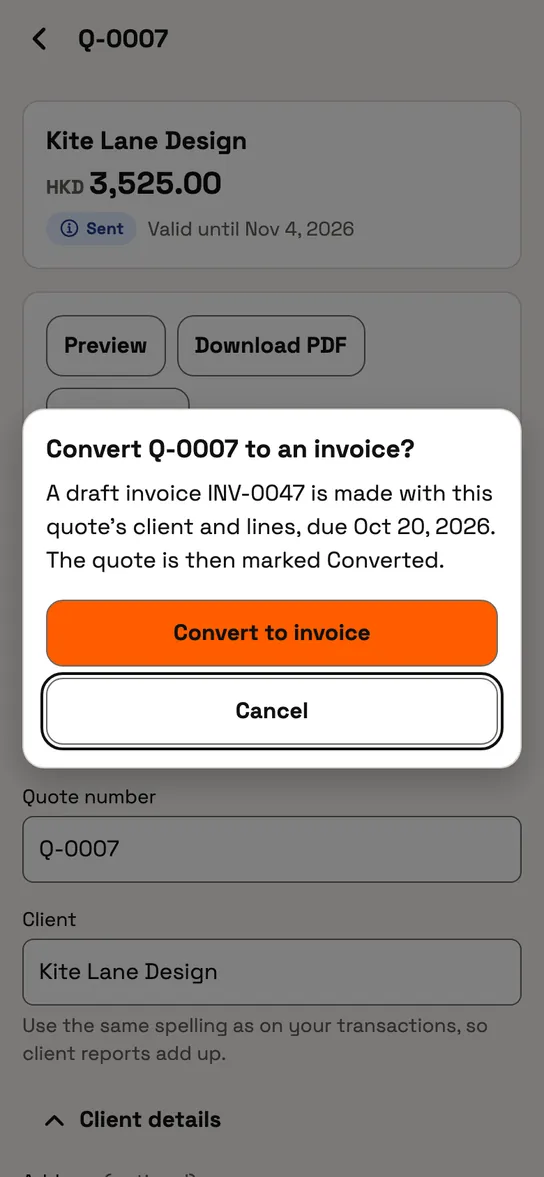
When a quotation is accepted, convert it to an invoice. Nothing is typed twice.
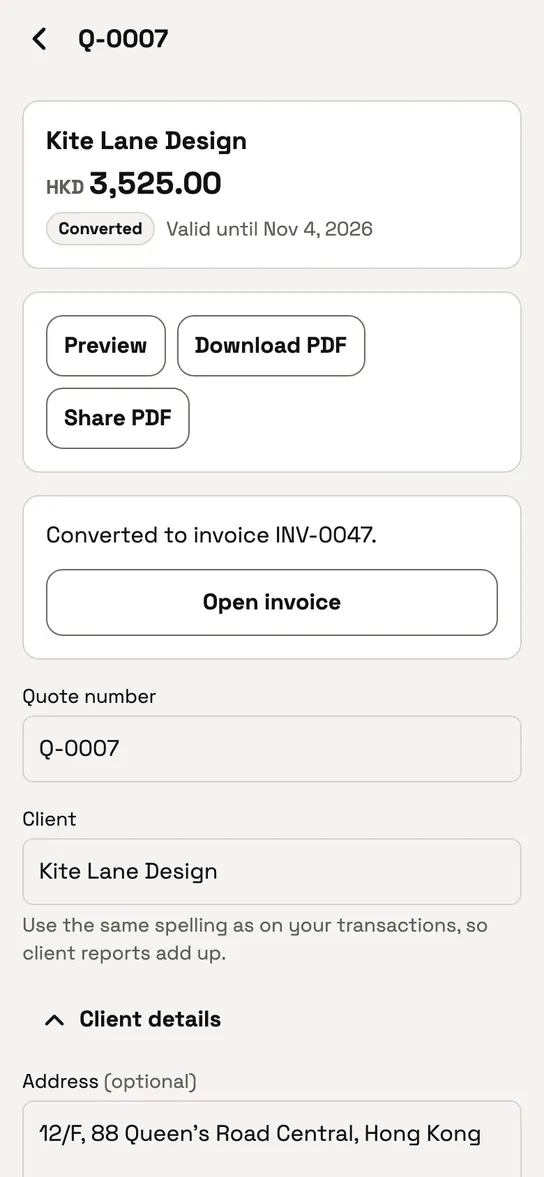
The invoice is made, linked to its quotation.


Can I make quotations and invoices?
Yes, on every plan. Build them from your price list, convert a quotation to an invoice, edit the design and the sections, and download a PDF.
Can I change the sections and the design?
Add, rename, reorder or hide sections: terms and conditions, payment terms, payment instructions or a QR code, deposit and milestone wording, customer references, delivery details, acceptance and notes. Quotations and invoices keep separate defaults.
Pick a starter design and edit it on the canvas.
Invoice labels follow the language you choose; your own wording stays exactly as you wrote it.
Can I see who owes me?
See which invoices are due and which are overdue, and mark an invoice paid when the money arrives.
Which plans include it
Keep each client's details in one place and reuse them on every document.
Quotations and invoices are included on every plan, Free included. The client book is part of Pro and Teams.
Make your first quotation.
Build it from your price list, and turn it into an invoice when the client says yes.
Complete your company details to unlock Pro free for one month (up to 600 records).