
Catch8
Every receipt read, filed and kept as proof.
Photograph a receipt while it is still in your hand, or work through a backlog. Catch8 does the typing; you do the checking.
Complete your company details to unlock Pro free for one month (up to 600 records).
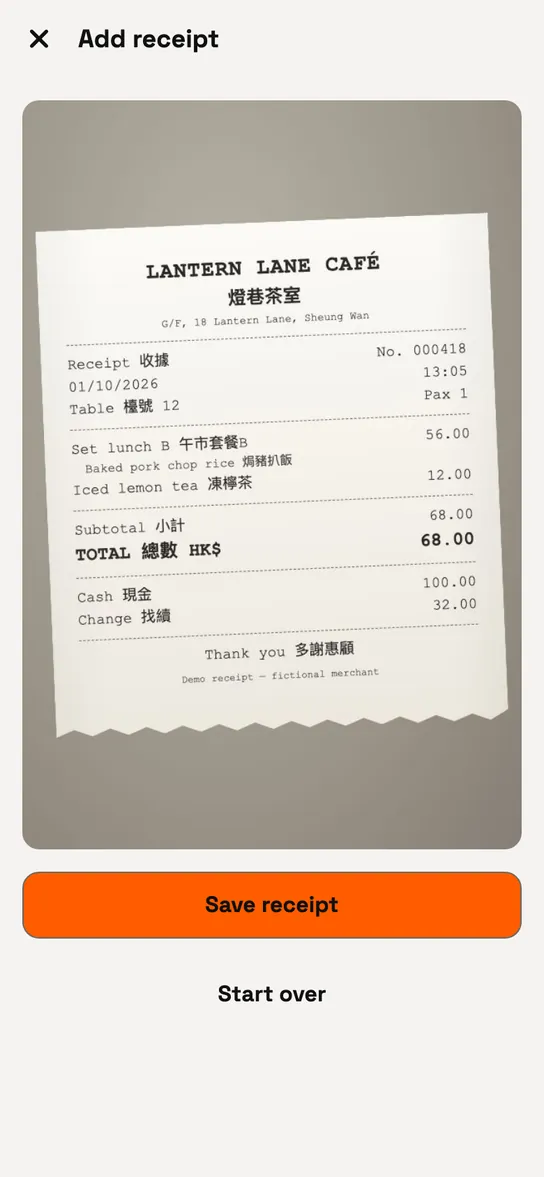
Photograph or upload.
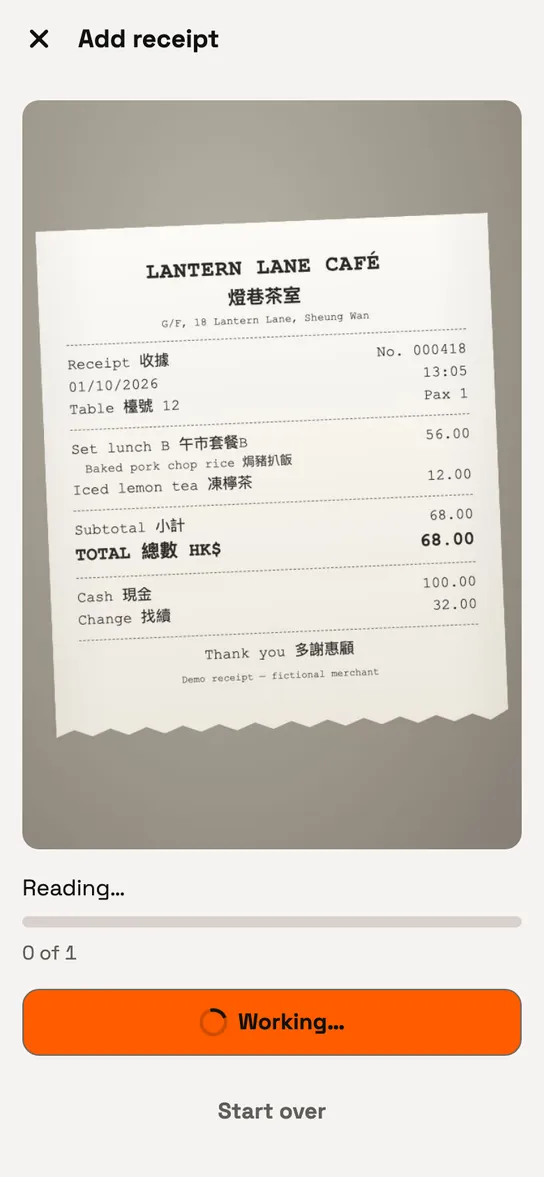
Catch8 reads it.
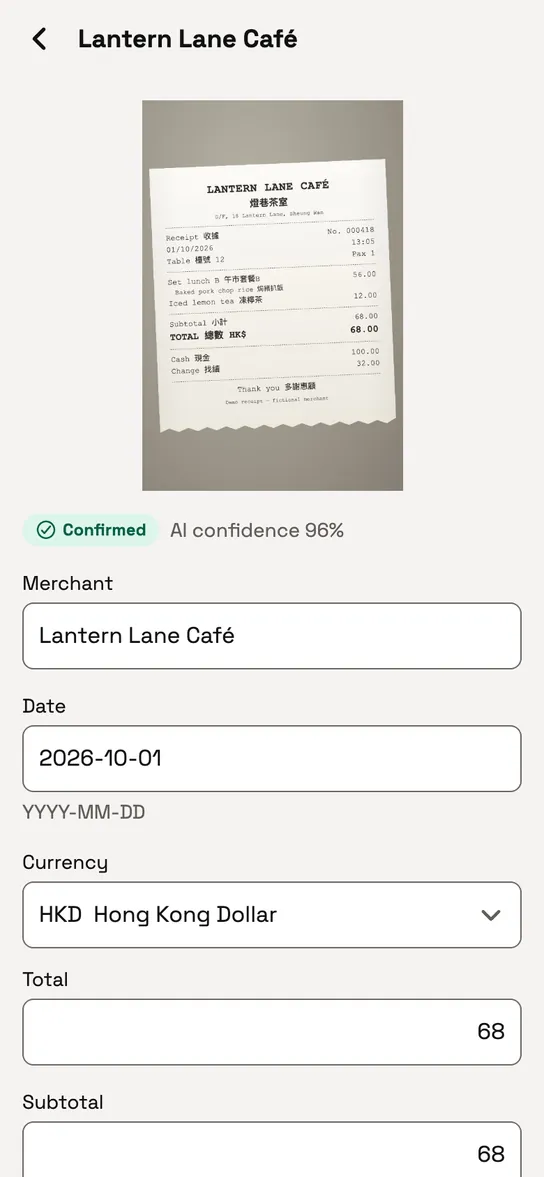
Check the details. Change anything before it is filed.
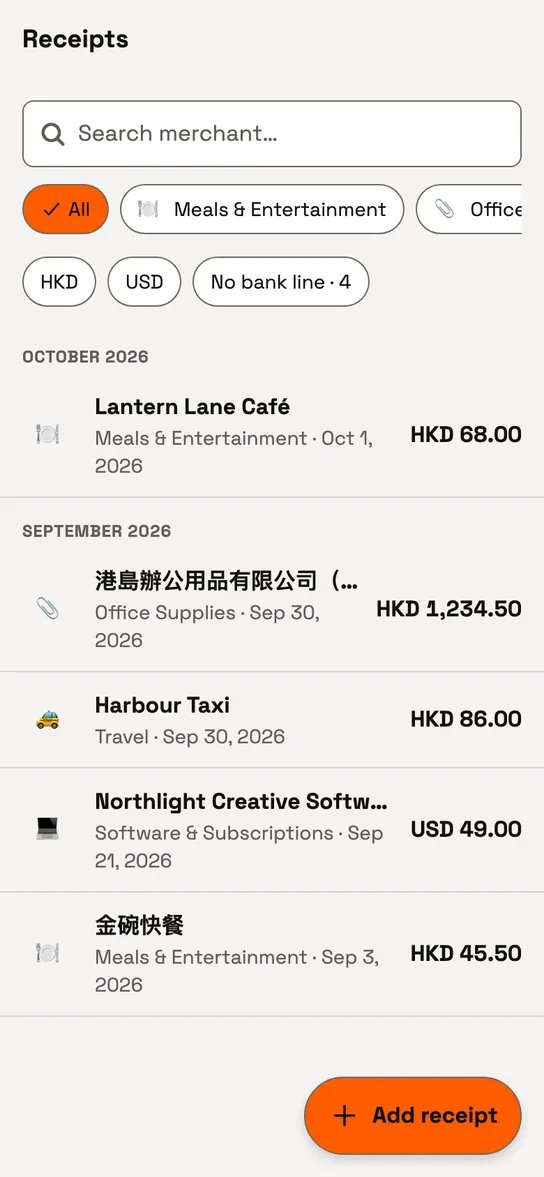
Filed in your month, with the image kept as proof.


How does Catch8 read a receipt?
You take a photo or upload an image. Catch8 sends it to Google's Gemini AI, which reads the merchant, date, amount and category. You check the result before it is filed. Anything it is unsure about is marked "Needs review".
Receipt photos are sent to Google's Gemini AI to be read (see Security & privacy). A record is counted when a receipt is filed, not when it is read. A receipt that could not be read is not filed and uses no record.
Behind on receipts?
Upload up to 20 images at once. Each one is shown for you to check, and possible duplicates are flagged before they reach your books.
Is the receipt image kept?
Every receipt keeps its photo. Zoom in to check a figure, download one image, or export all your receipt images as a ZIP for your accountant.
Can I find my receipts and get them out?
Search by merchant, and filter by category or currency.
A receipt stays in the currency it was paid in. Monthly totals by category are shown once for each currency, never added together.
Export a month of receipts as CSV, or everything you hold as one file.
Put the next receipt in your books.
Photograph it, check it, and the image stays with it as proof. Your staff can do the same on the Teams plan.
Complete your company details to unlock Pro free for one month (up to 600 records).